One Click to Your
Custom AI Model

Upload photos. Click train. Get a personalized LoRA that captures any style, character, or concept—without touching a terminal or writing a single config file.

Currently supporting LoRA training for Z-Image Turbo

From Photos to AI Model in 3 Steps

No Python, no venv errors, no terminal

Watch: Train your first LoRA in under 5 minutes

1

Upload Dataset

Drag and drop 10-20 images. Bring your own captions or let AI handle it.
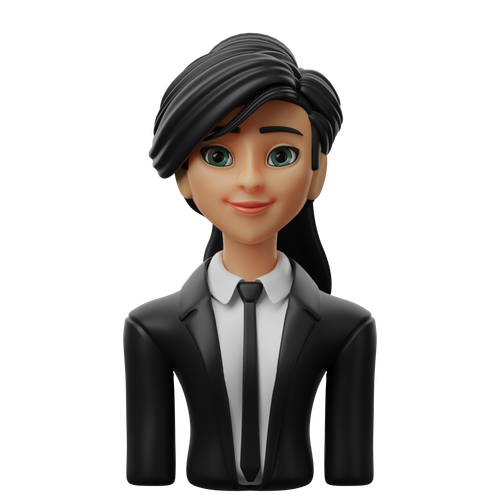
Training image 1 Training image 2 Training image 3 Training image 4
2

Click Train

Cloud GPUs do the heavy lifting while you do literally anything else.

Training
3

Generate

Your LoRA is ready. Generate infinite variations of your character, style, or concept in any setting.
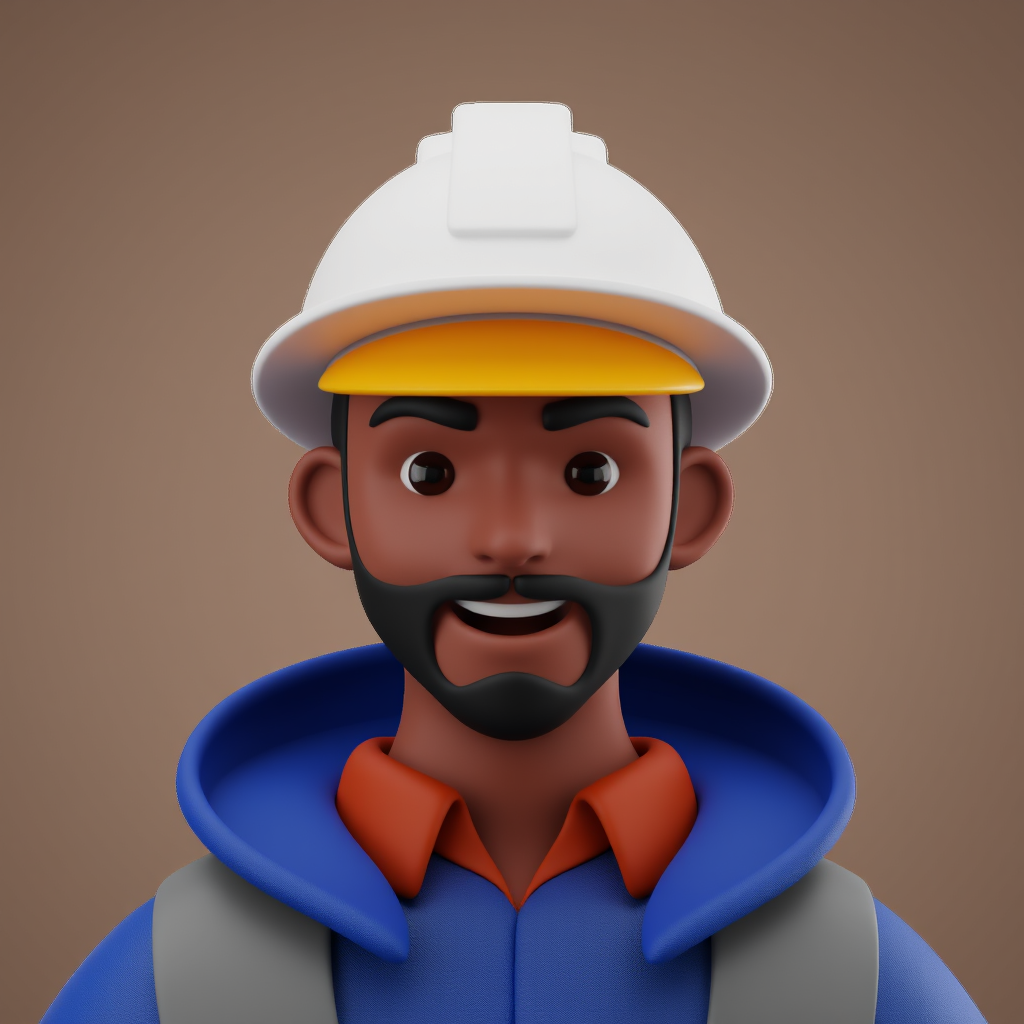
LoRA generated output
"Make a construction worker in 3d style"

Why TurboLora?

Built to solve the real pain points

Cloud GPU

No GPU? No problem.

Train on powerful cloud GPUs without buying expensive hardware or fighting driver issues.

No Setup

Skip the terminal

No Kohya configs, no Python environments, no venv errors. Just upload and train.

Live Training

Watch it train

Real-time progress with sample images generated during training. See your model improve live.

Mix LoRAs

Mix up to 4 LoRAs

Combine multiple LoRAs with adjustable weights. Blend styles and characters seamlessly.

Captions

Your captions or ours

Upload your own .txt files or use Vision LLM auto-captioning. Your choice.

Resume Training

Train with 1 click

Upload your images and click train. Cloud GPUs do the heavy lifting while you relax.

What Our Users Are Saying

Real feedback from creators like you

The platform is really good, and the experience is really smooth—no more complicated RunPod template installation and installing different nodes. Love the way it makes things so simple to make LoRAs even for someone who never tried.

JM
James M. Digital Artist

I trained my first on only a handful of images and it still got pretty close. The second one I used about 30 images and got the face near perfect. Thank you very much!

SK
Sarah K. Content Creator

First experience is great. Simple and neat. What I really like is how easy it is to get started. The onboarding and options feel intuitive, particularly for beginners.

DR
David R. Photographer

It was easy to use and navigate, which is good! The UI is clean, straightforward, and the platform abstracts away a lot of the complexity that usually scares people off.

ML
Michael L. Game Developer

Congrats on your LoRA trainer, works pretty well! The pictures generations have a far better quality than in my ComfyUI generation.

AT
Alex T. Graphic Designer

A great entry point for LoRA training and has a lot of potential. It's a solid tool—especially for simplifying LoRA training.

RG
Ryan G. AI Enthusiast

Simple, Transparent Pricing

Train your characters. Generate forever. All plans include unlimited image generation.

Starter
$15/month
3 LoRA Trainings / month
  • ✓ Unlimited Image Generation
  • ✓ Private Models
  • ✓ Commercial Use
  • ✓ Auto-Captioning
Perfect for beginners training themselves or a pet
Get Started
Pro
$79/month
30 LoRA Trainings / month
  • ✓ Unlimited Image Generation
  • ✓ Private Models
  • ✓ Commercial Use
  • ✓ Auto-Captioning
Built for power users building a LoRA library
Get Started

💯 30-day money-back guarantee. If you don't love it, we'll refund you—no questions asked.

Frequently Asked Questions

Everything you need to know about LoRA training

What is a LoRA?
Expand

A LoRA (Low-Rank Adaptation) is a small, efficient add-on to a base AI image model that teaches it new concepts—like your face, a character, or a specific art style. Instead of retraining the entire model (which requires massive compute), a LoRA modifies only a fraction of the weights, making training fast, cheap, and accessible.

How many images do I need to train a LoRA?
Expand

For best results, we recommend 10-20 high-quality images. For faces, use varied angles, expressions, and lighting. For styles, include diverse examples showing the characteristics you want to capture. More images generally produce better results, but quality matters more than quantity.

How long does training take?
Expand

Training typically takes 1-2 hours depending on your settings. We use powerful GPUs in the cloud, so you don't need any hardware yourself. You can watch progress in real-time and see sample images generated during training.

Do I need my own GPU?
Expand

No! That's the whole point. All training runs on our cloud infrastructure with enterprise-grade GPUs. You just need a web browser. No installation, no driver issues, no CUDA errors—just upload your images and click train.

What image formats are supported?
Expand

We support JPG, JPEG, PNG, and WebP formats. Images are automatically resized to optimal training resolution (1024px). For best results, use high-resolution source images with good lighting and minimal compression artifacts.

Can I download my LoRA weights?
Expand

Yes! Your trained LoRA is saved in safetensors format and can be downloaded anytime. Use it with ComfyUI, Automatic1111, or other compatible tools. You own your model.

Is my training data private?
Expand

Absolutely. Your images are used only for your training job and are not shared with anyone. Training data is processed in isolated cloud instances and you can delete your dataset anytime. We take privacy seriously.

Your Style. Your Character. Your LoRA.

Join creators building personalized AI models. No GPU needed. No code required.

Start Creating